How to Authorize an AI Agent to Access Your NAS?
On FygoOS, you can authorize an AI Agent (such as Codex or Claude Code) to access your NAS, so it can help you view files, manage apps, and more.
Requires FygoOS 1.2.0800 or later.
Install Skills
Go to the Fygo official website to download the Fygo Skills package (zip), then send it directly to the AI Agent and ask it to install.
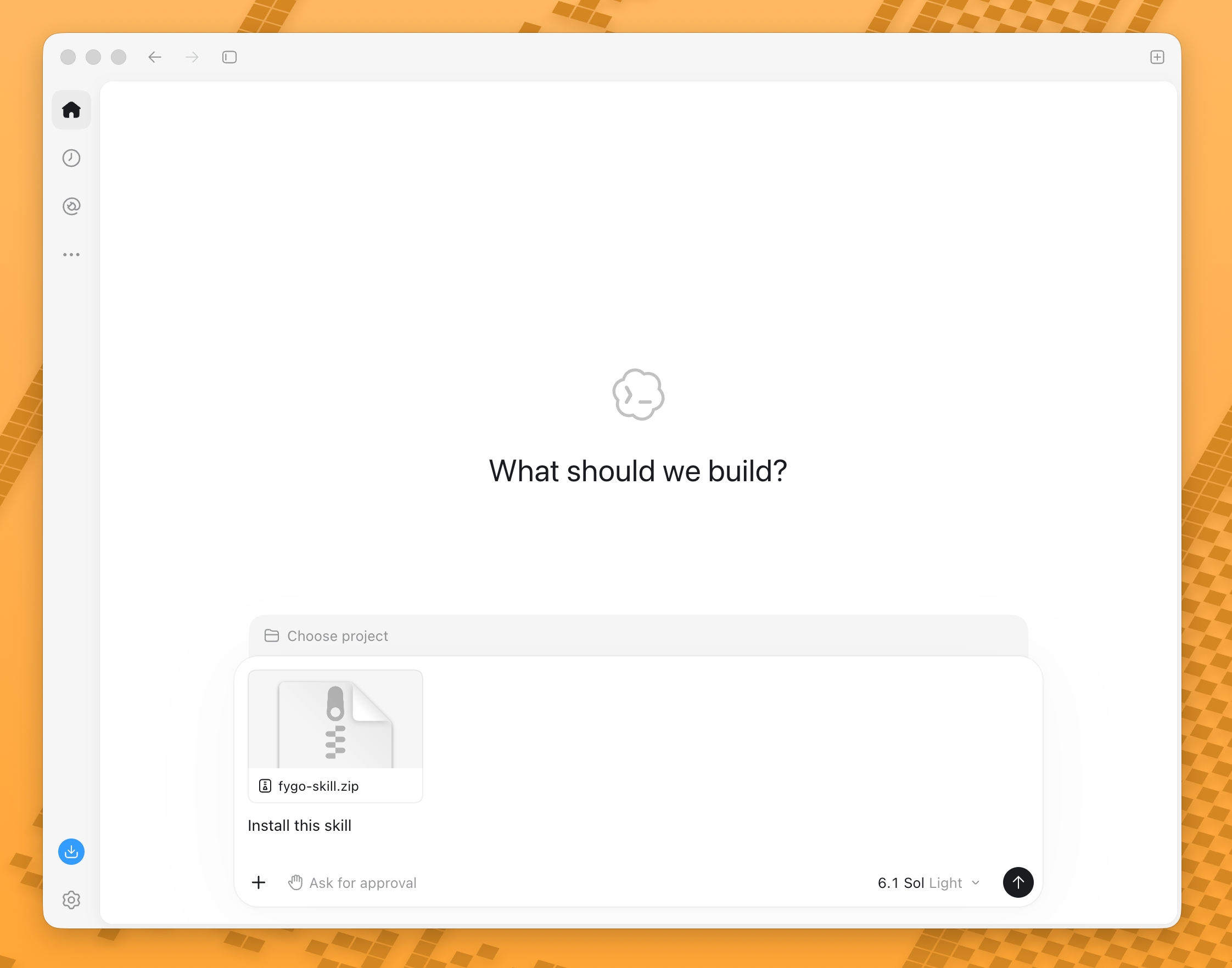
The AI Agent can usually complete the installation on its own:
Authorize Access
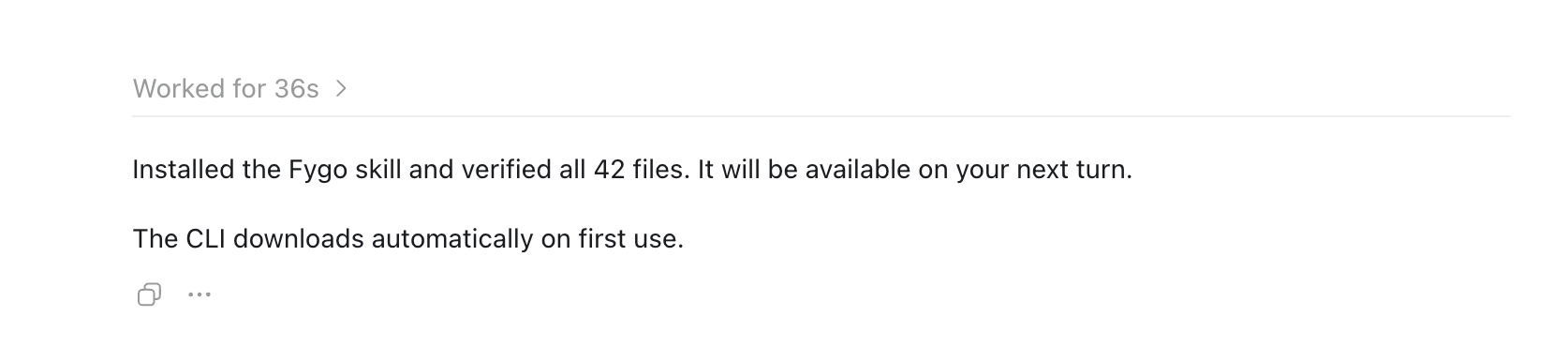
- In the conversation, tell the AI Agent which NAS to sign in to.
- The AI Agent will automatically open the authorization page in a browser and open a terminal for you.
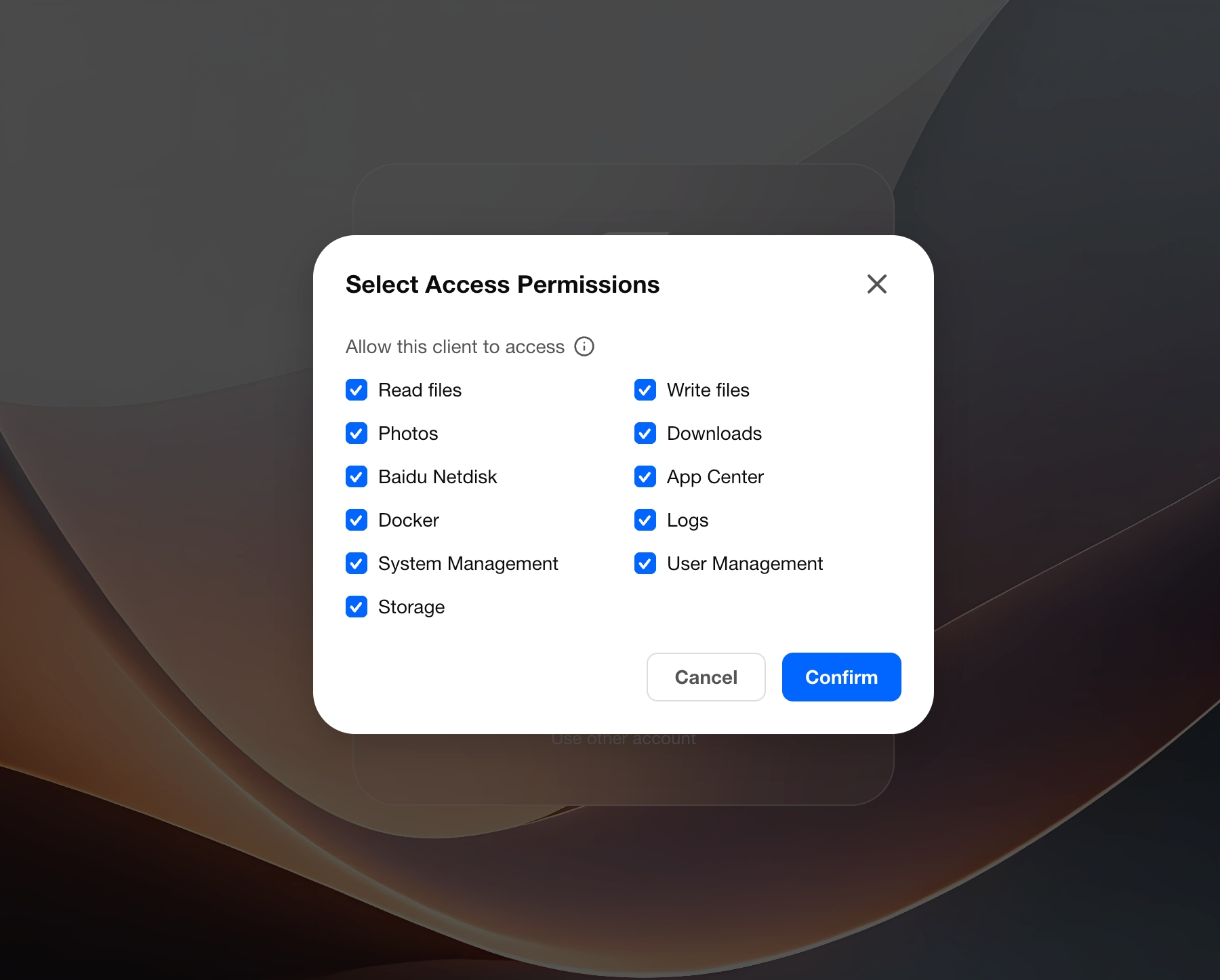
- Sign in to your NAS account, select the features you want to allow, confirm the authorization, then copy the one-time authorization code.
- Paste the authorization code into the terminal, then tell the AI Agent that authorization is complete.
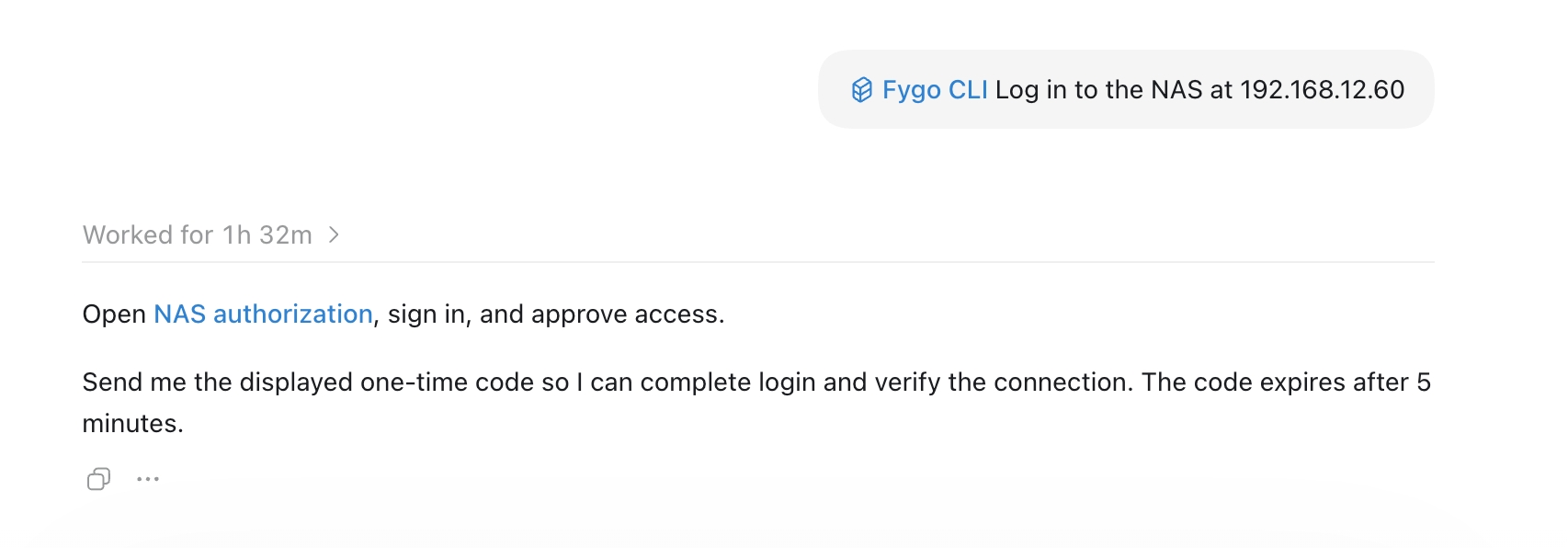
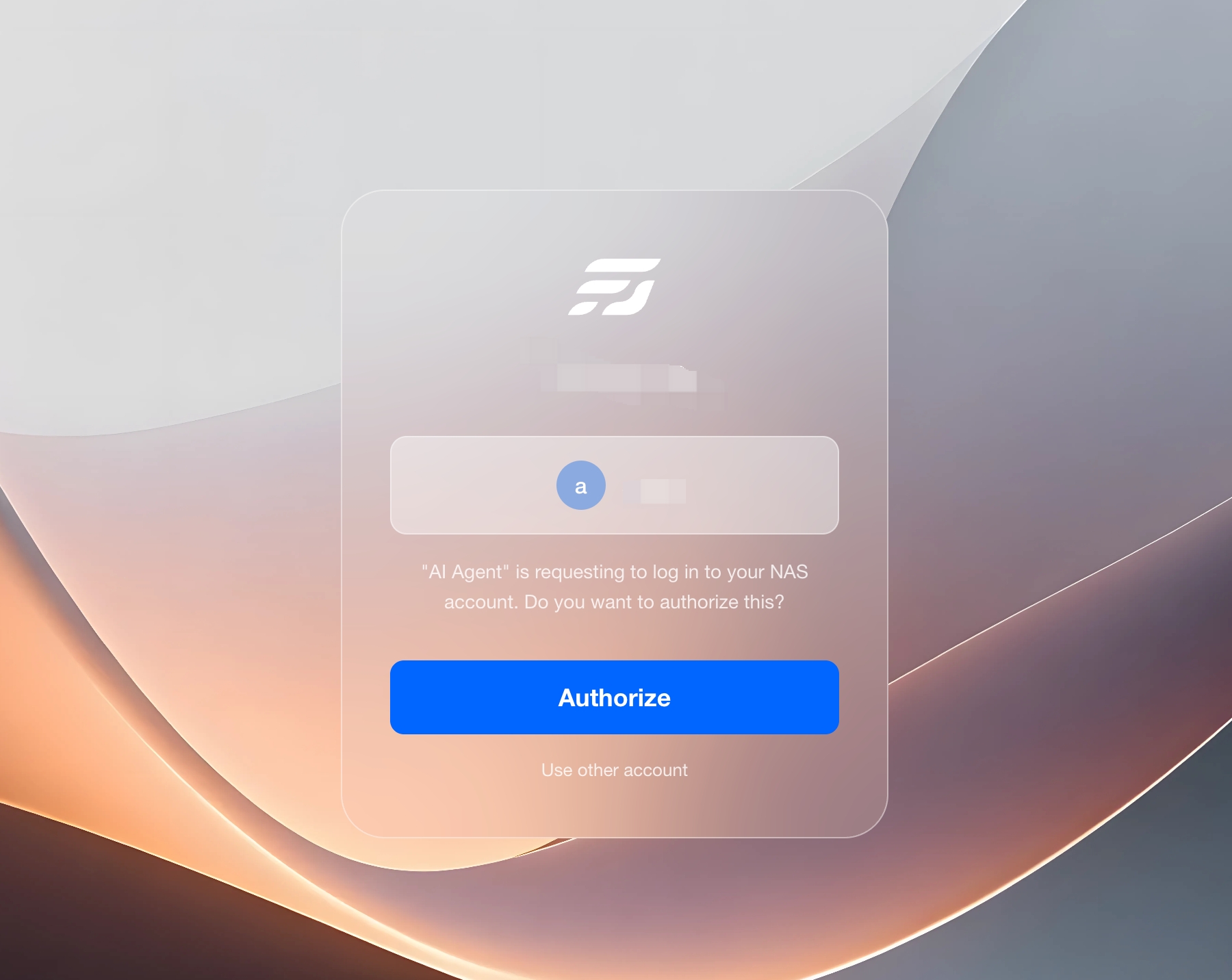
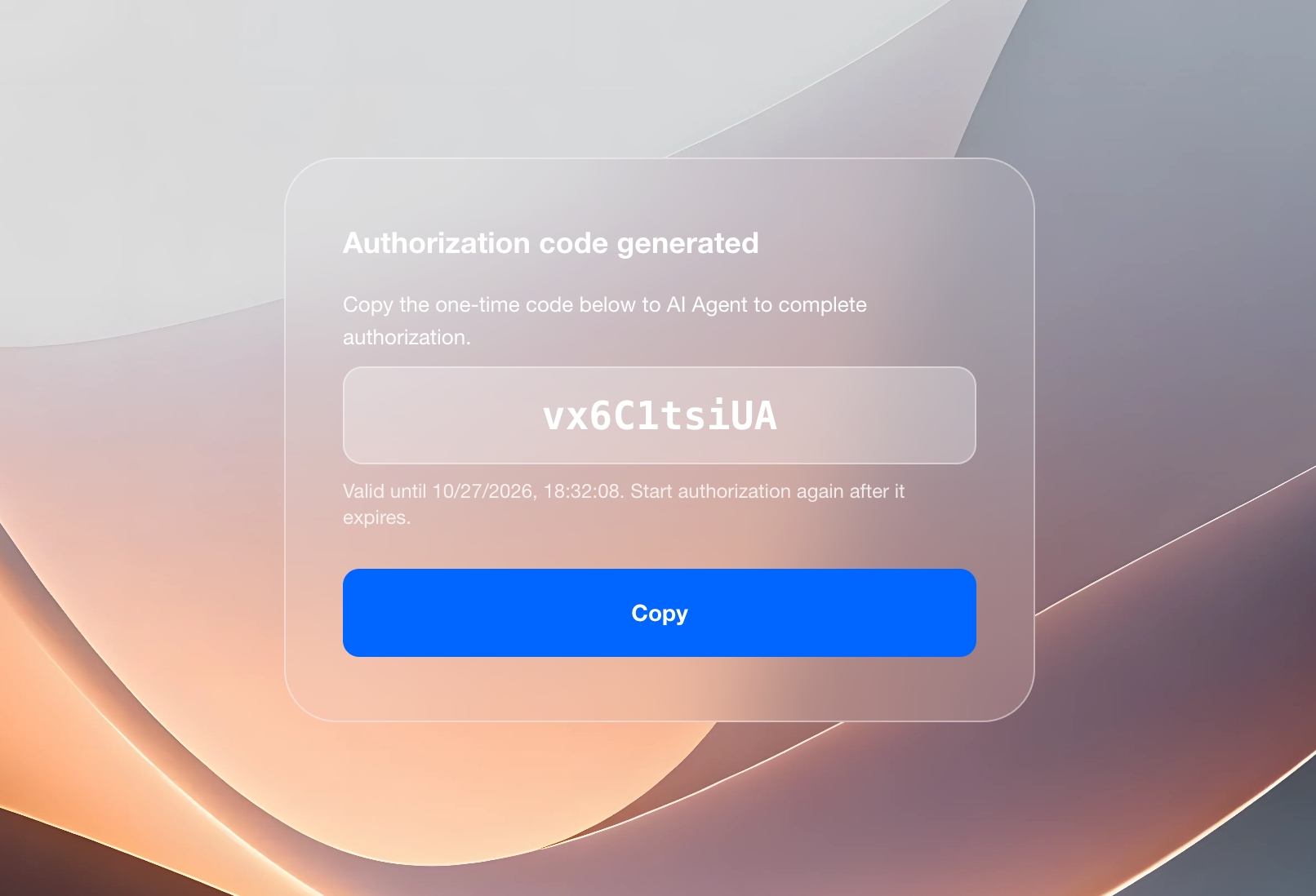
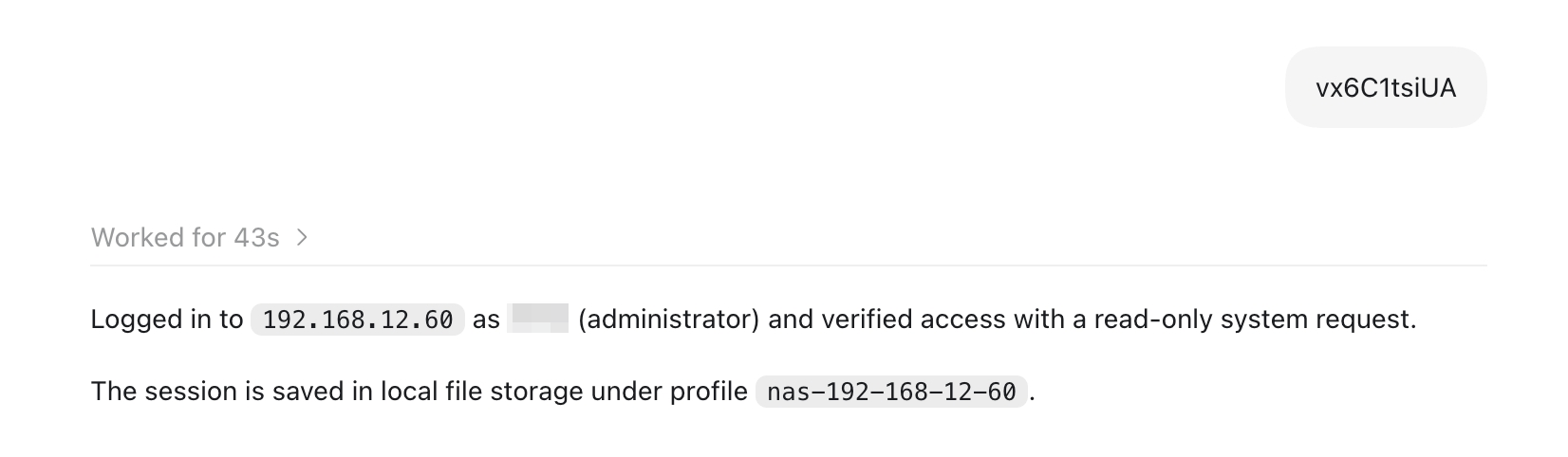
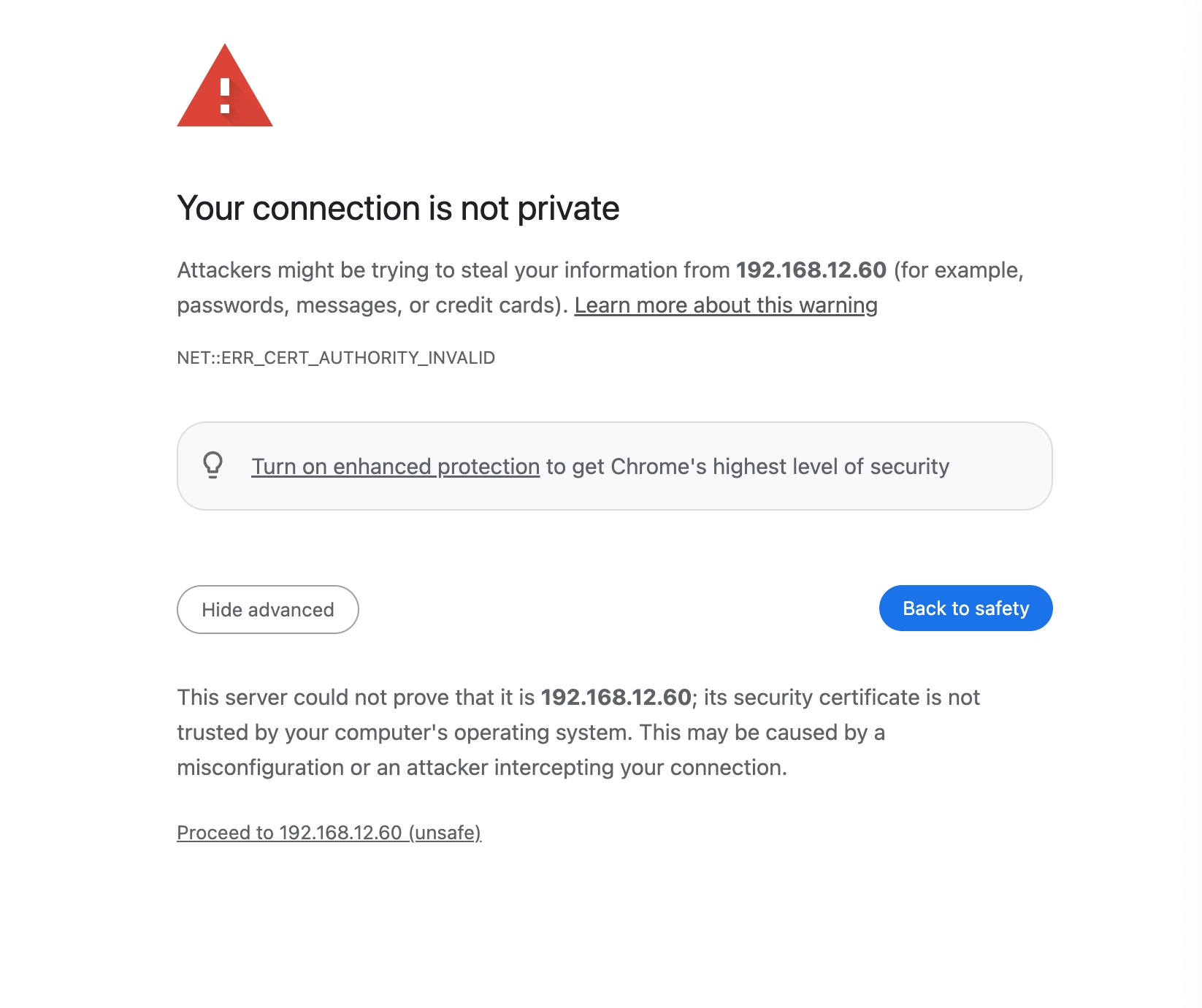
The authorization page uses HTTPS by default. When you access it by IP address, the browser may warn that the self-signed certificate is not secure. Choose to continue.
Authorizable Capabilities
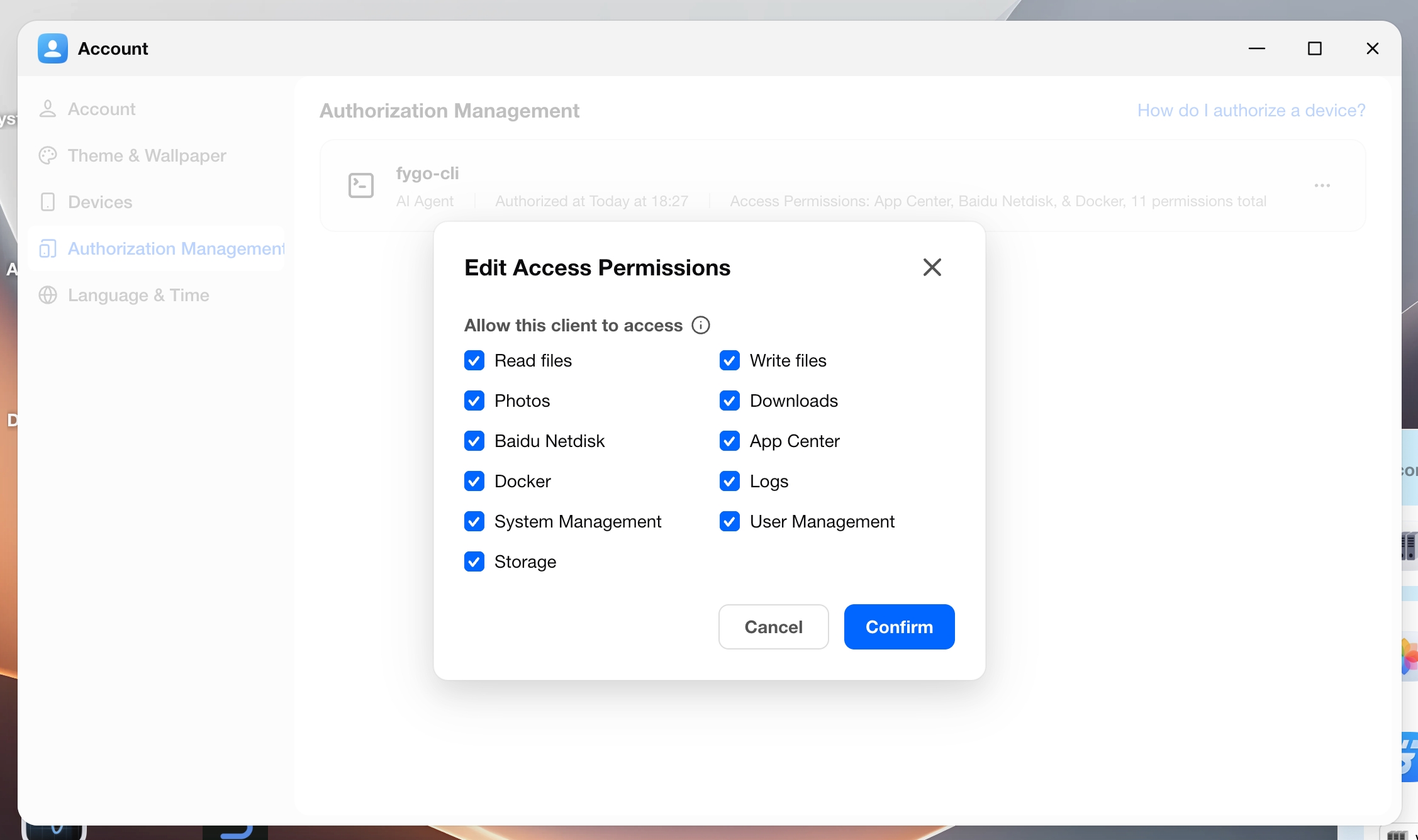
Common features you can select include: Read files, Write files, Photos, Downloads, Baidu Netdisk, App Center, Docker, Logs, System Management, User Management, and Storage Management.
App Center, Docker, Logs, System Management, User Management, and Storage Management are typically visible only to administrators. Select what you actually need; you do not have to select all of them.
After authorization succeeds, the record appears in Authorization Management, with the type AI Agent.
This computer remembers the authorization, so you do not need to repeat the full flow every time. If you later see a permission error, go to Authorization Management to add the needed features, or revoke and authorize again. Refreshing the login does not add new permissions.
Manage Existing Authorizations
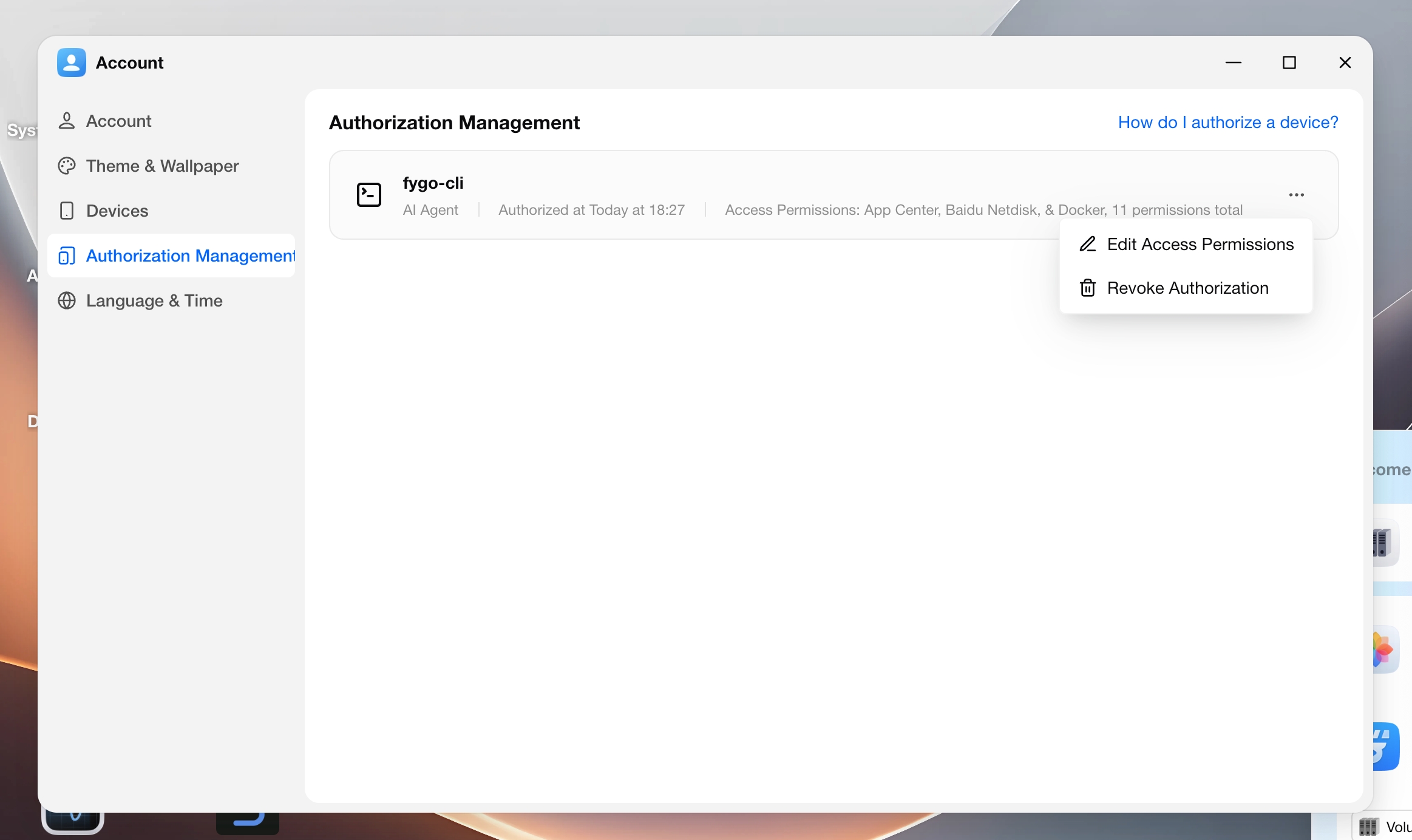
Open My Account > Authorization Management to:
- View the features authorized for each client
- Adjust access permissions
- Revoke authorizations you no longer use
The list may contain multiple records, usually for different times or devices. You can revoke unused ones.
Demo
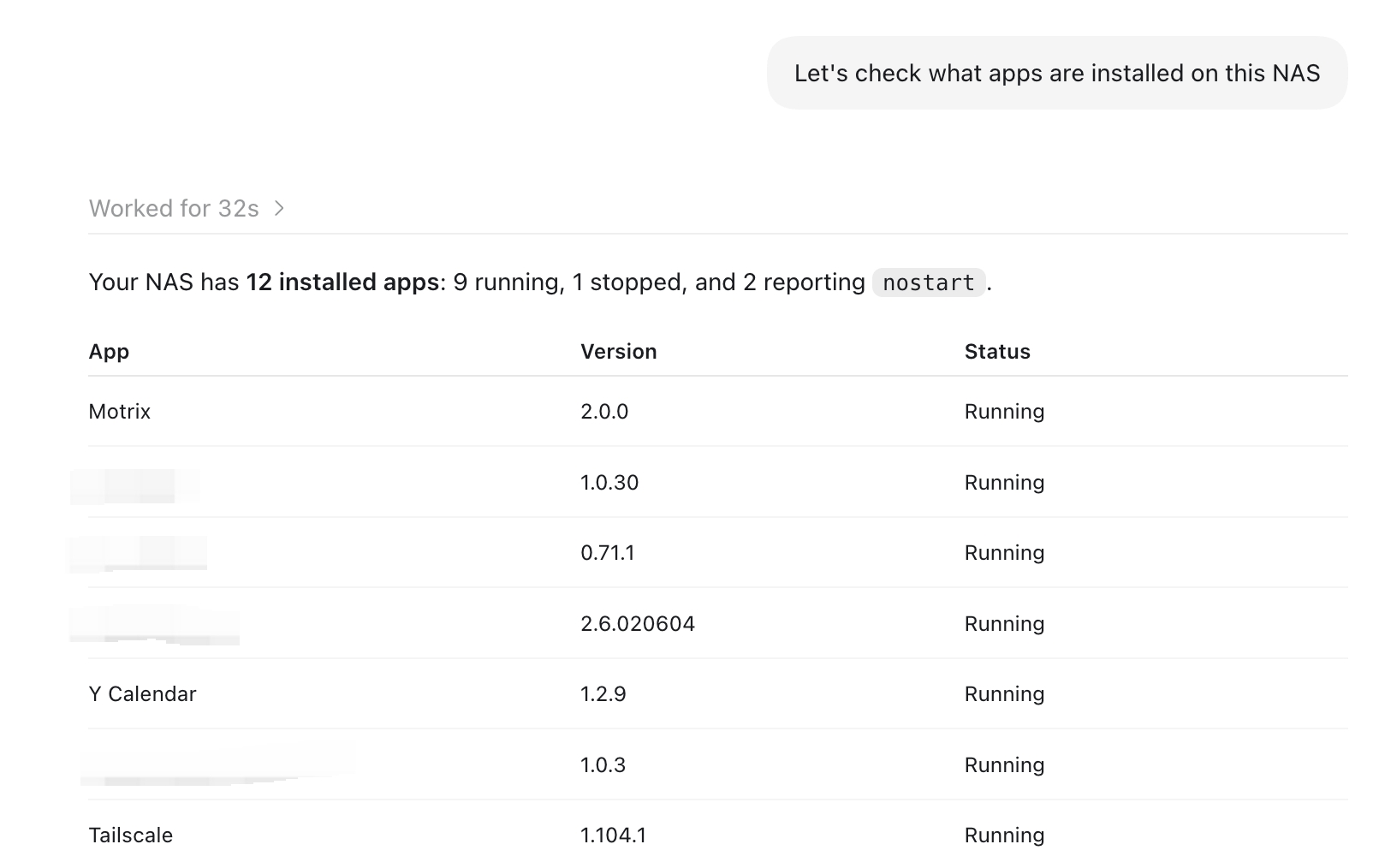
After authorization, you can ask the AI Agent in conversation to operate your NAS, such as viewing files or managing apps.