About Bluetooth Network Setup
With the Fygo App and your phone's Bluetooth, you can connect an uninitialized Fygo NAS to a wireless LAN. No Ethernet cable is required to get started.
Supported Devices
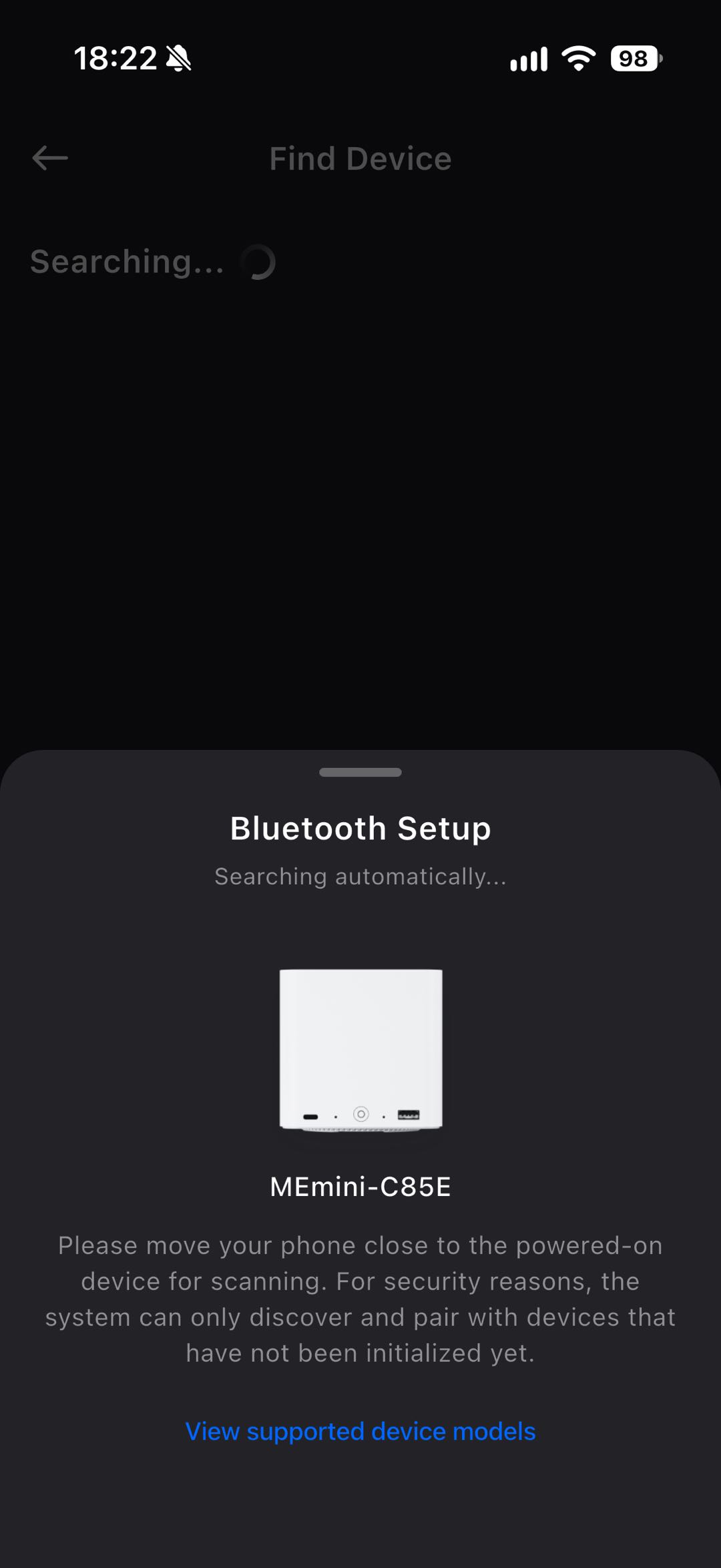
The device needs a wireless network adapter and Bluetooth chip that FygoOS can drive. For security, Bluetooth advertising works only before the system is initialized, so only uninitialized devices can be discovered.
How to Use
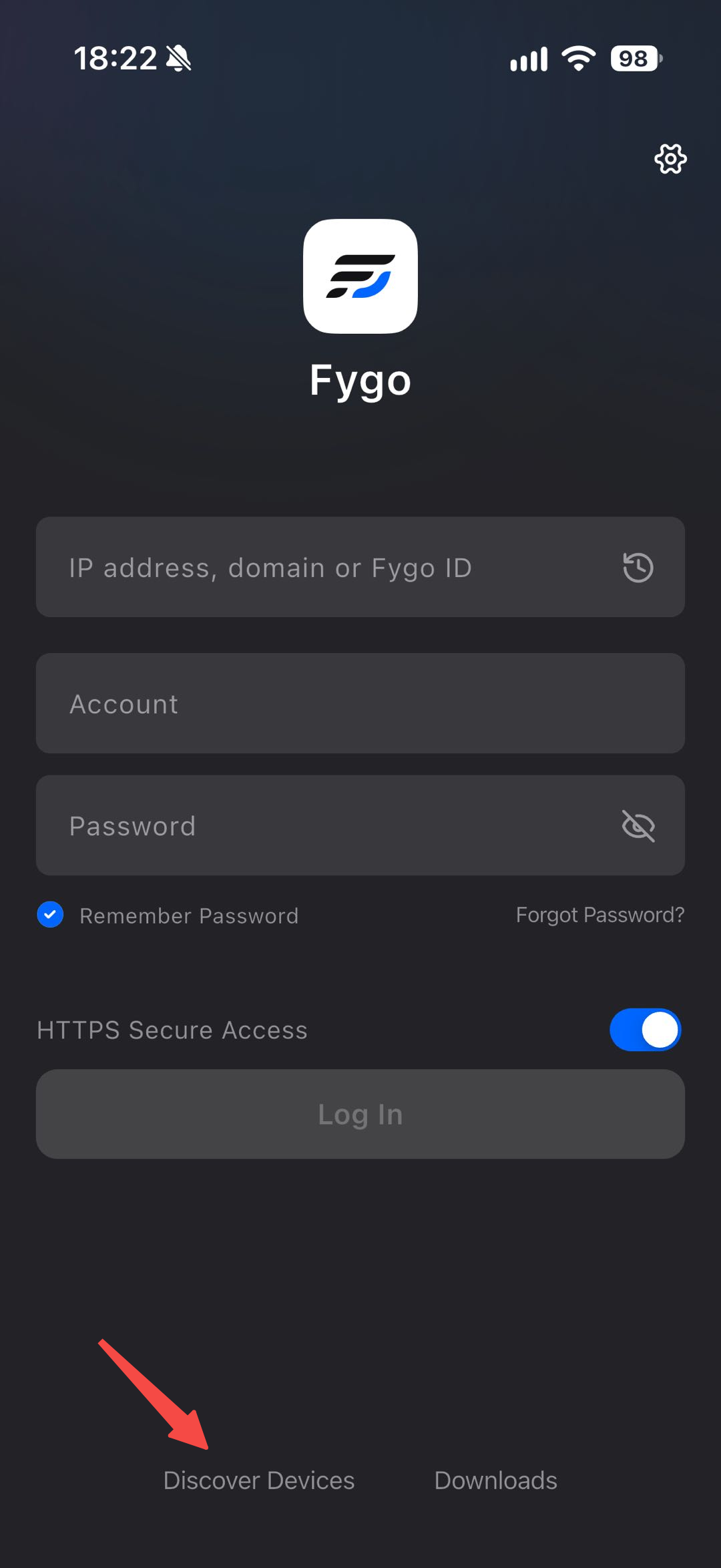
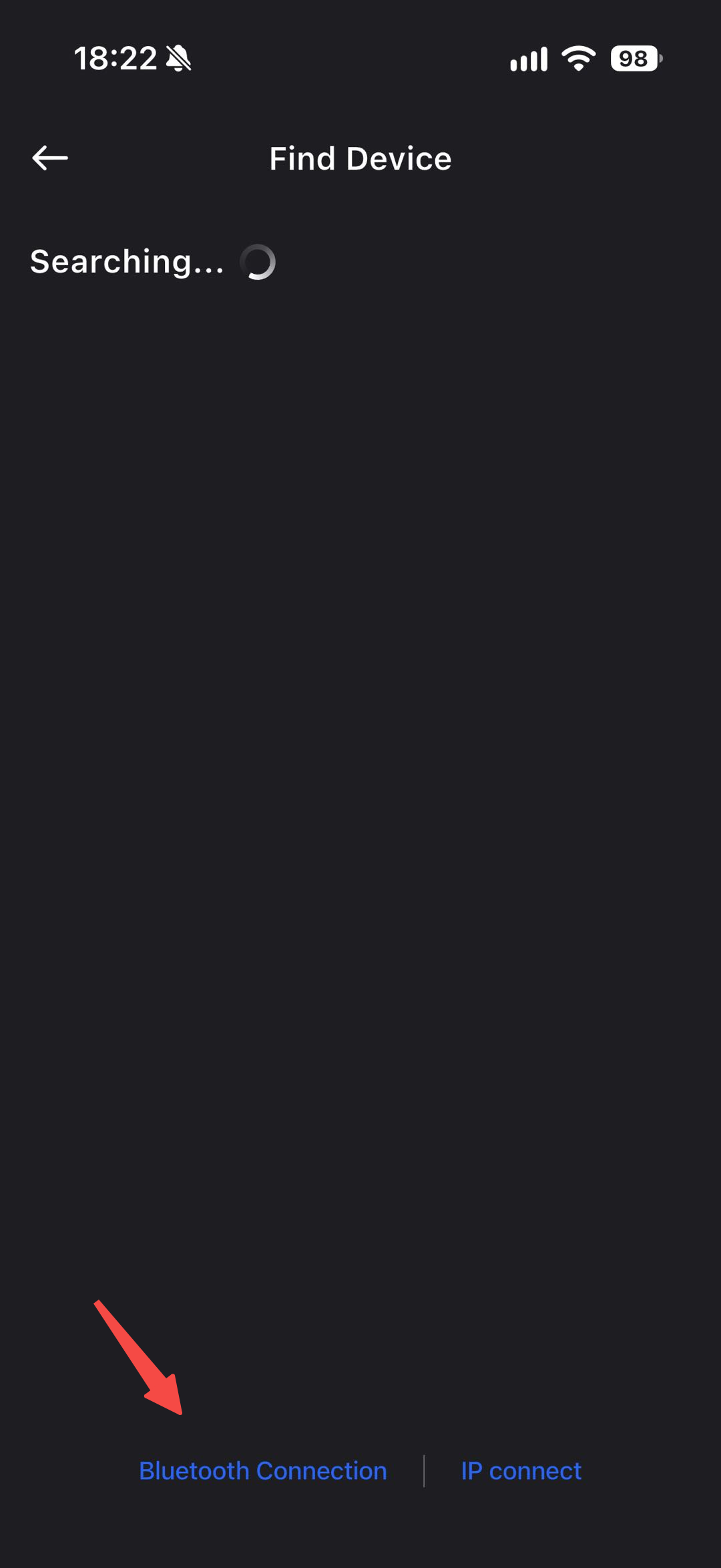
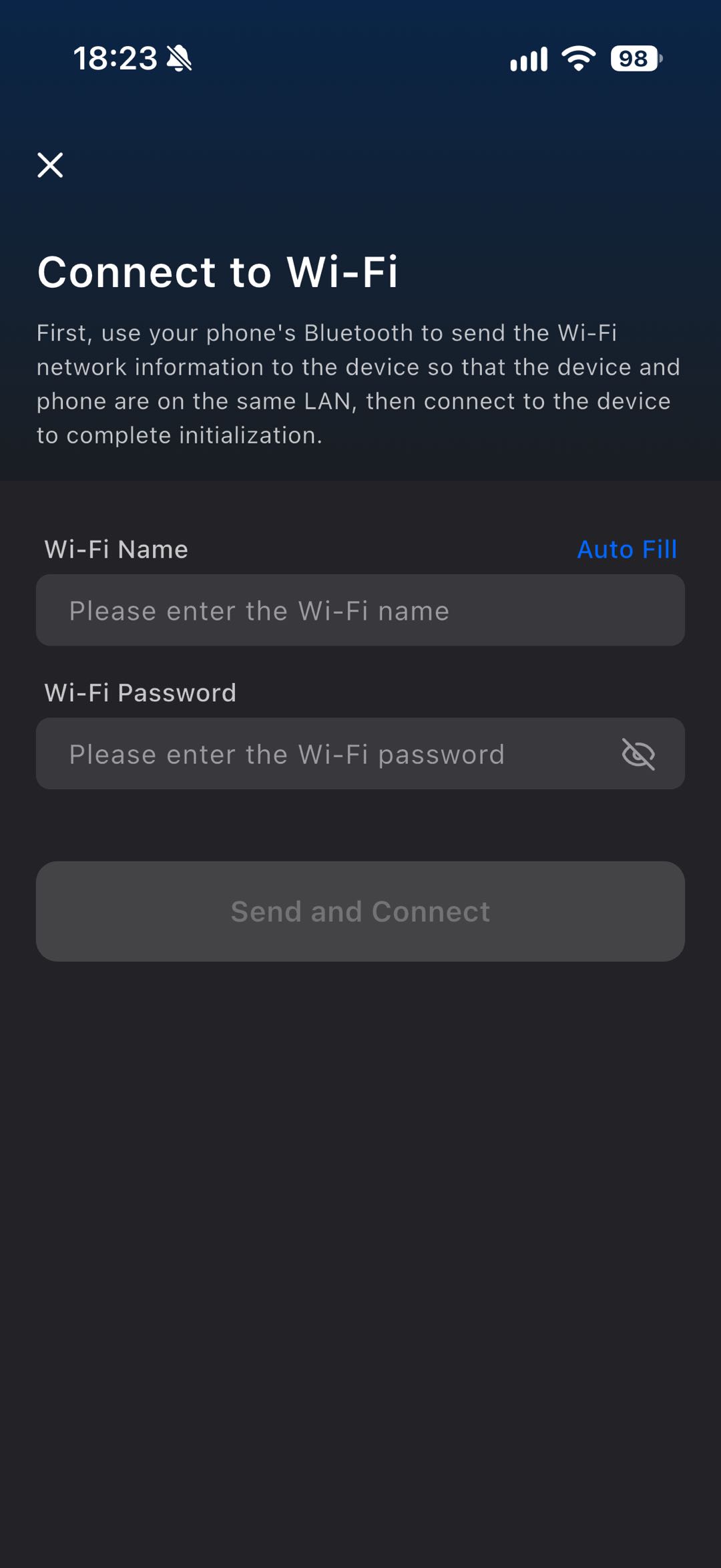
On the Fygo App login page, tap Discover Devices on LAN, then select Bluetooth Connection. After pairing succeeds, enter the Wi-Fi name and password to share with the Fygo NAS. After the Fygo NAS joins the network, make sure your phone is on the same LAN, then you can start using the Fygo NAS.